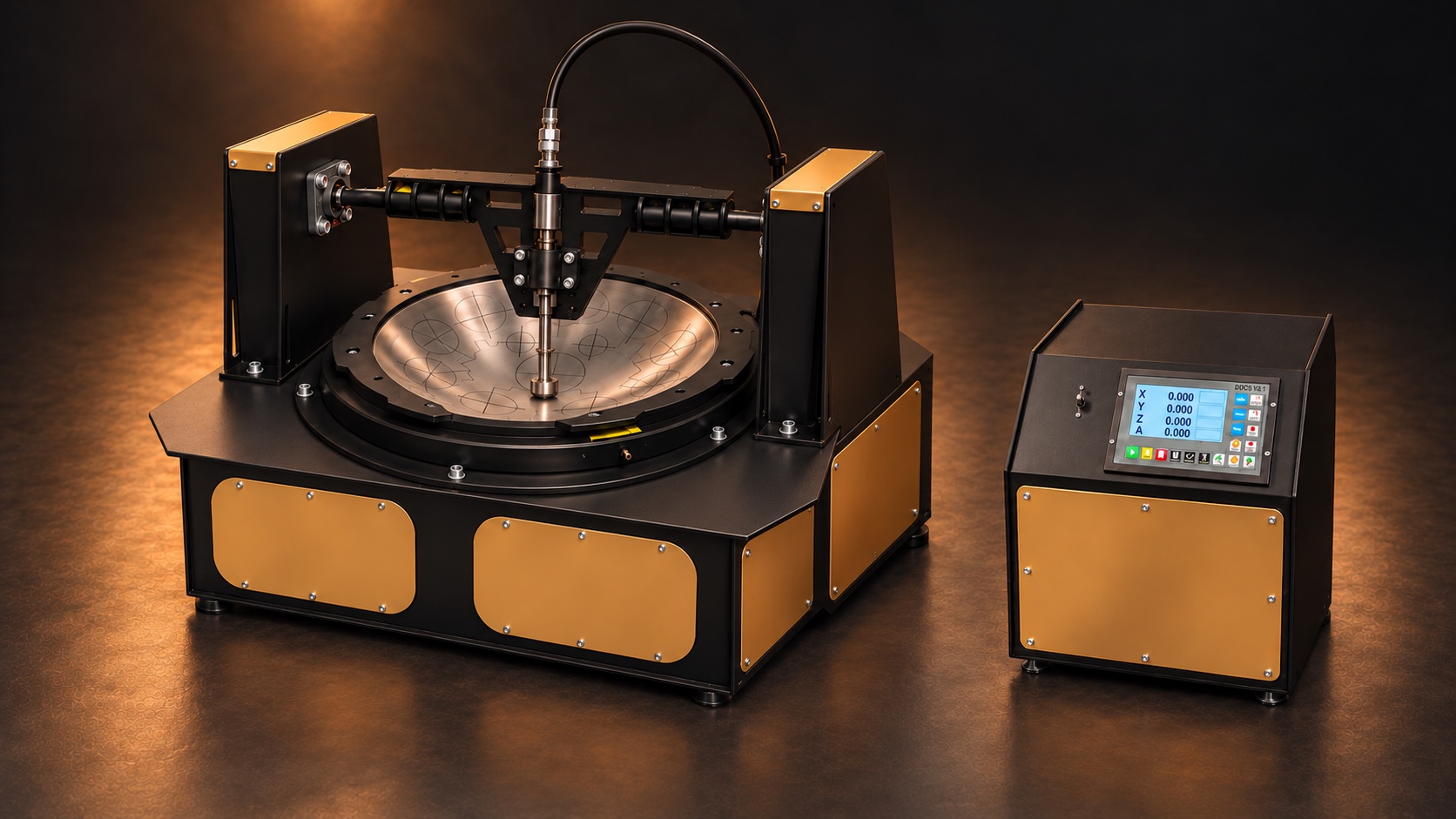
Ramatec Shaping Machine
From note layout to controlled shell shaping
AYA Sounds
Ramatec
Shaping
Machine
From note layout to controlled shell shaping
A closer look
Precision,
in motion.
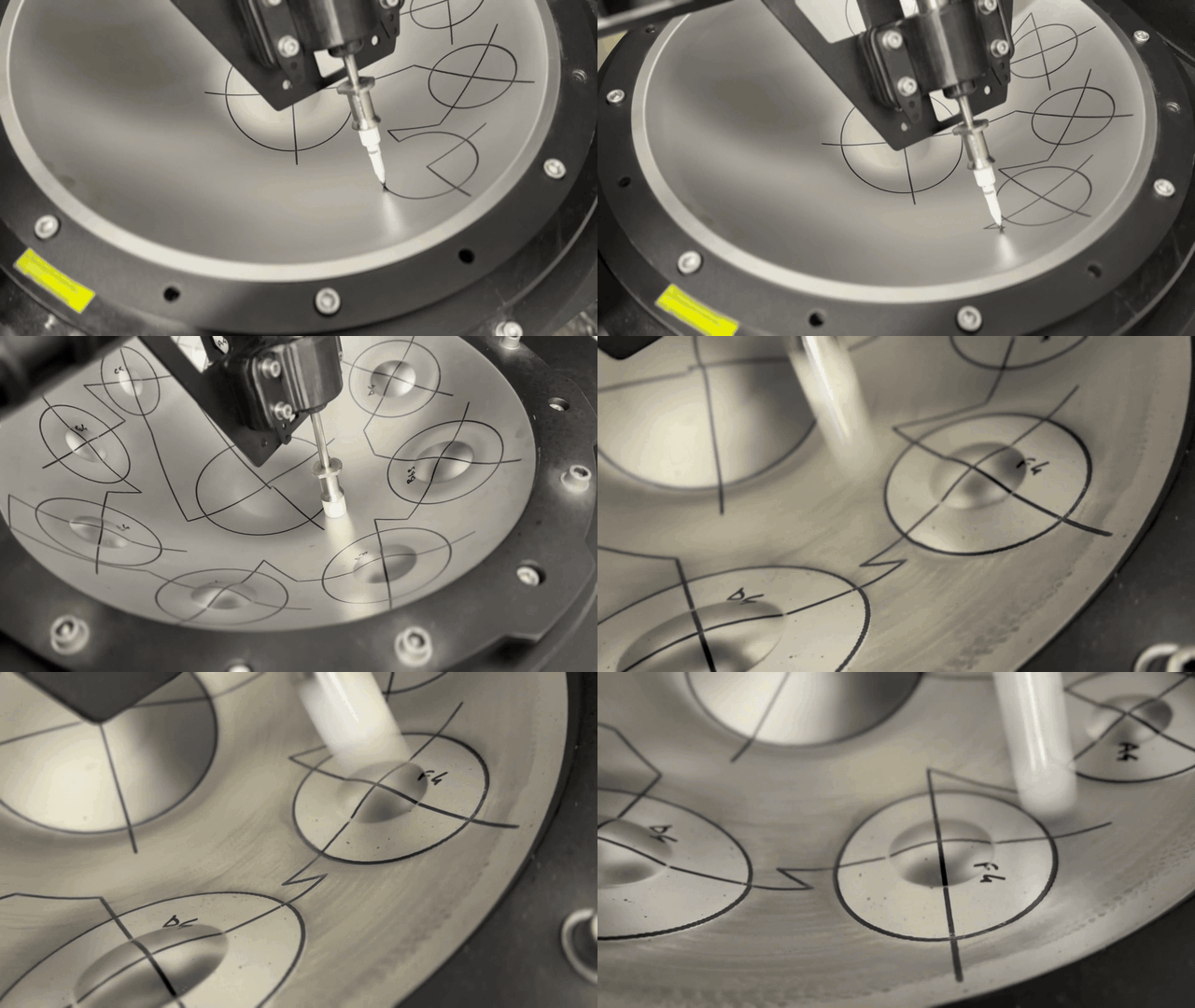
Follow the marking process as the layout takes shape on the shell. A small glimpse into the Ramatec workflow.
One considered workflow
Build your layout.
Follow the shape.
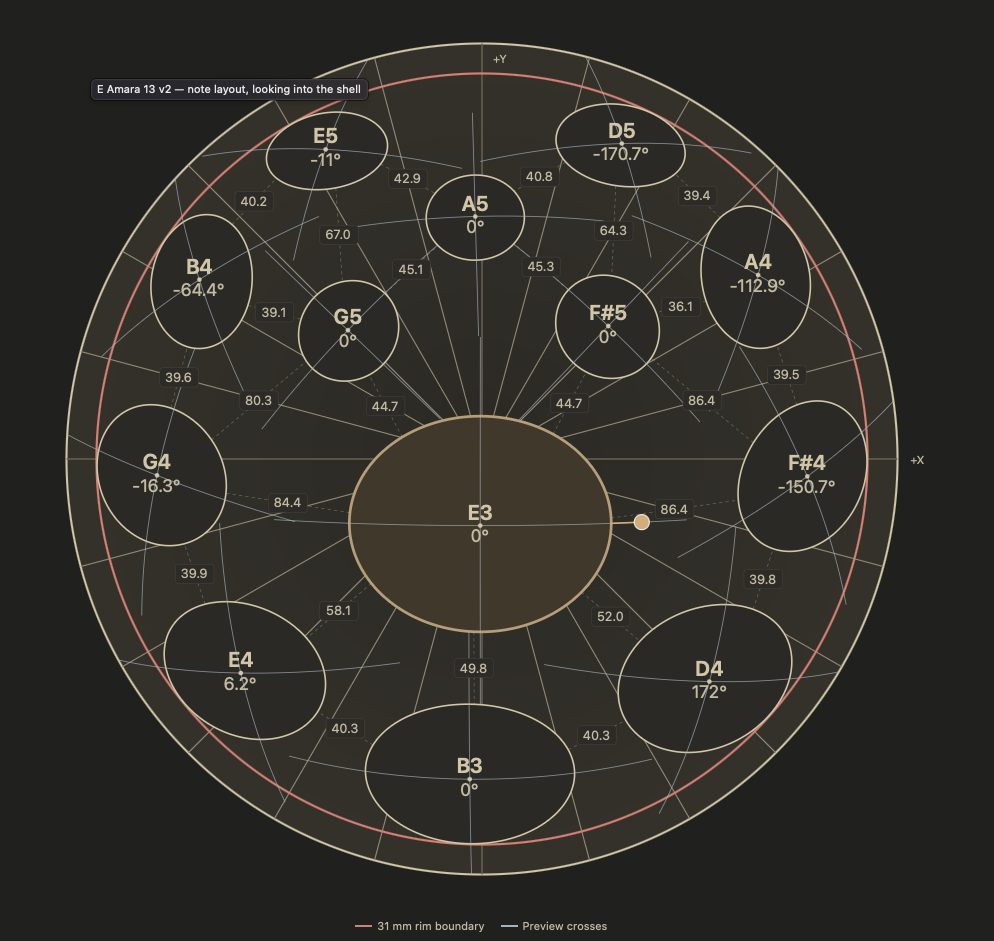
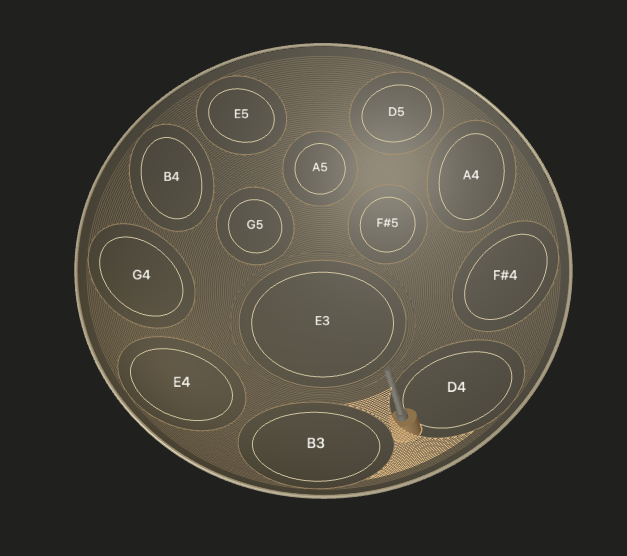
Arrange your notes in Ramatec Studio, choose your shell and spacer setup, and preview each path before exporting your CNC program.
01 / Layout
Place every note
Set note dimensions, rotation and spacing for top or bottom shells. Save your layout and project settings together.
02 / Prepare
Prepare the shell
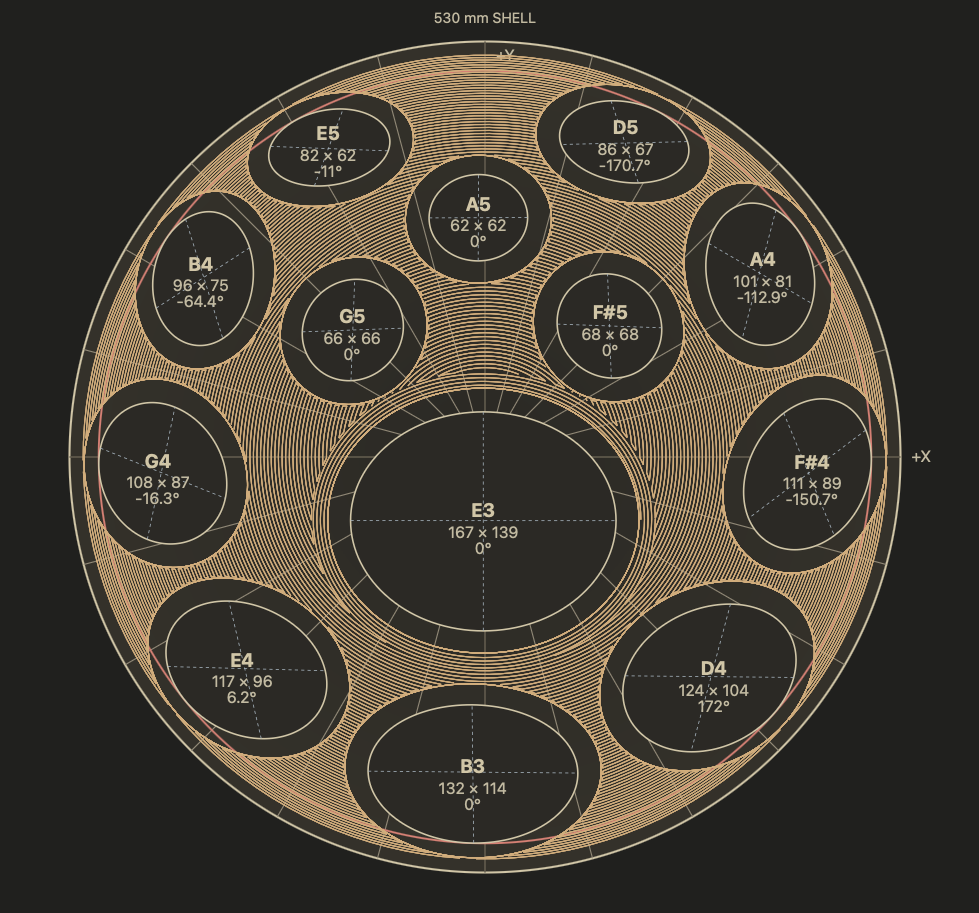
Choose a flat-centred or pre-shaped shell and the desired spacer depth. Generate the shaping program for your setup.
03 / Shape
Preview each pass
Review note-border and interstitial paths in 3D Preview, then export the program for your Ramatec machine.

Ramatec Studio for Mac
Plan, preview and export your machine programs
The companion software
Ramatec Studio
for Mac
Plan, preview and export your machine programs.
Download for MacDeveloper ID signed and notarized by Apple. A valid full-version Ramatec Studio license is required to activate the app.
New installations start with Empty shell and no bundled layouts. Create your own layouts or import a project. Existing users keep their saved layouts when updating.
Open the DMG and choose Install & Open. Your saved layouts, settings and activation are kept.
Machine availability & licensing ↗